Automated lip sync animation in Autodesk Maya: any rig, any language!
Need to make your characters talk but don�t want to spend days or weeks doing it? You have come to the right place.
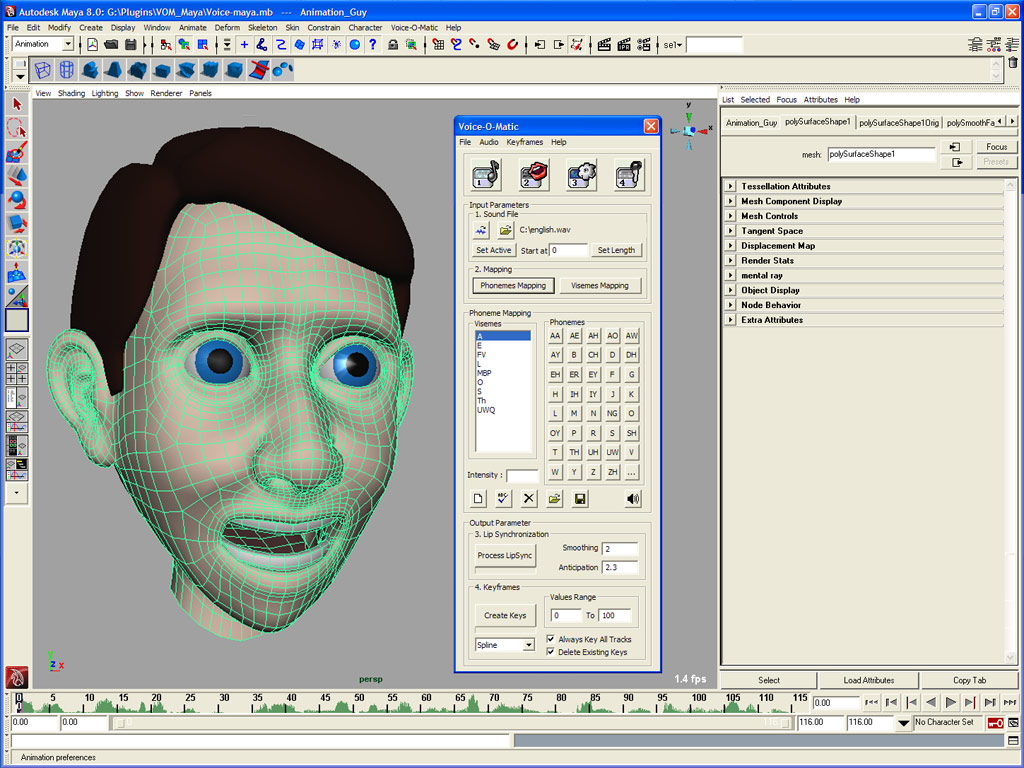
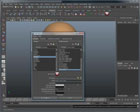
Voice-O-Matic (Maya Edition)is a powerful, easy-to-use plug-in which automates the lip synchronization process for your animated CG characters directly in Autodesk Maya.
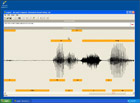
Simply feed a recorded audio file to Voice-O-Matic and it will automatically generate timing and lip position data for your characters.
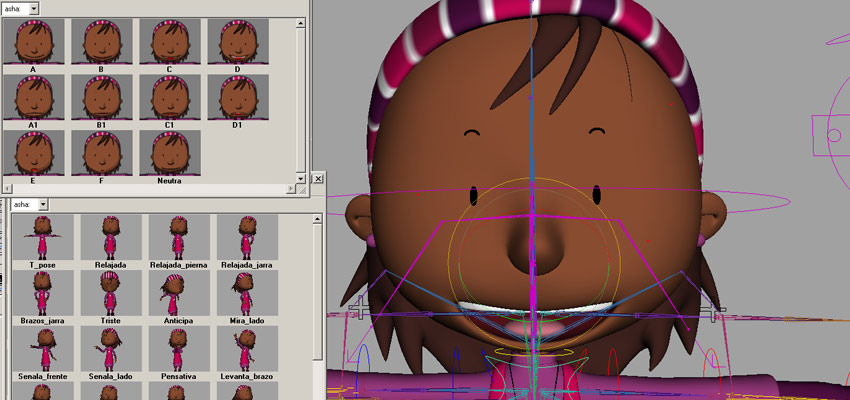
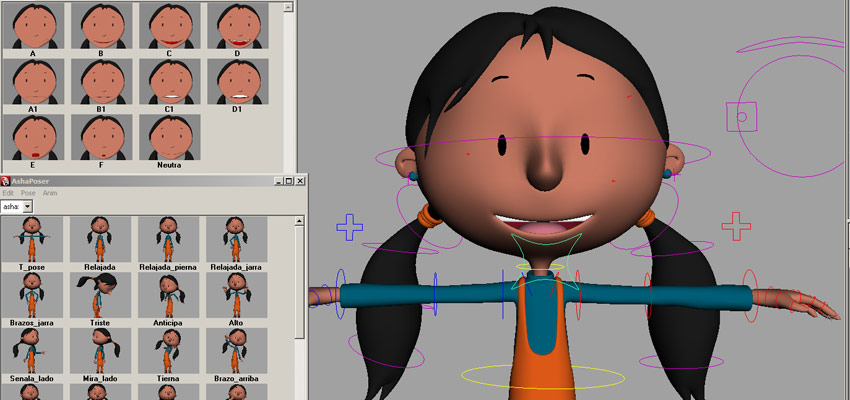
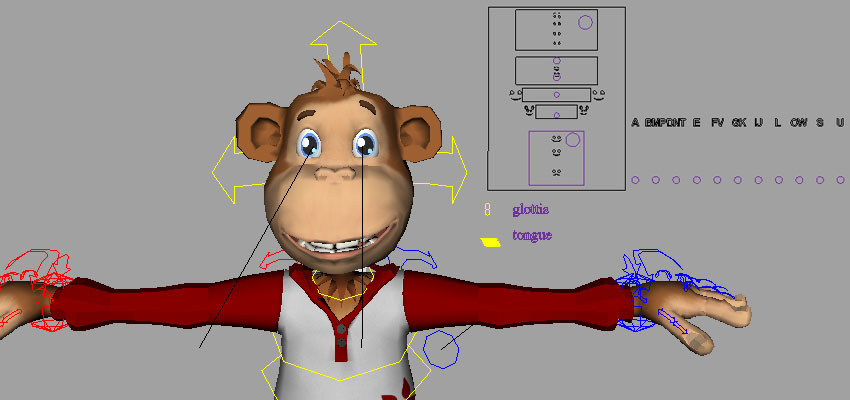
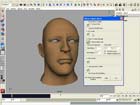
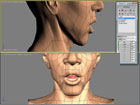
Flexible is the one word which best describes Voice-O-Matic.No matter which type of character setup you wish to use: from blend shapes to complex bones-based rigs, and no matter the language for which you wish to create lip synchronization,
Voice-O-Matic delivers. Interested in trimming hours of work off your next talking character production? Voice-O-Matic analyses the phonemes within an audio file and automatically creates standard keyframes, allowing animators to quickly tweak results. You will be amazed at how easy it is to use.
Voice-O-Matic (Maya Edition) is the best way to speed up the lip synchronization process for your CG characters in Autodesk Maya!
Discover how easy it is to create Lip Sync animations with Voice-O-Matic...
As an instructor, one of the biggest
challenges students often face is doing lip sync in a
short amount of time for their projects. Voice-O-Matic
has allowed my animators to quickly get in a voice track
that they can customize and tweak further. I have been
able to teach it easily and students can learn it quick.
I have even used it for my own productions, such as a
12-minute animated documentary-style short that I am
helping produce for artist Joshua Hagler. I was able to
sync 85 shots of dialogue in a single afternoon and ship
those to our team of animators. I don't know of any
other product that could have integrated with our
project so well!
Andrew Klein, Autodesk Maya
Certified Instructor,
The Art Institute of California in San
Francisco
There is absolutely no way we could've animated the thousands of lines of dialog on our tight production schedule while still maintaining a high level of quality without Voice-O--Matic.
I recommend Voice-O-Matic to anyone trying to animate lipsync
in a quick, easy and quality fashion. It's artist
friendly and best of all, it actually works!
Abel Salazar - Senior Animator Left Field Productions
With Voice-O-Matic, get
everything you need to create high quality Lip Sync
animations in Autodesk Maya, this includes :
- Complete phonetic support, use up to 40 different phonemes
- Support most languages, including English, French, Spanish, Japanese and others
- Intelligent smoothing, to get better lip synchronization results
- Weight-able Visemes Intensity, easily set emphasis on any given Visemes
- Standard keys creation, so animations can be modified easily
As an instructor, one of the biggest
challenges students often face is doing lip sync in a
short amount of time for their projects. Voice-O-Matic
has allowed my animators to quickly get in a voice track
that they can customize and tweak further. I have been
able to teach it easily and students can learn it quick.
I have even used it for my own productions, such as a
12-minute animated documentary-style short that I am
helping produce for artist Joshua Hagler. I was able to
sync 85 shots of dialogue in a single afternoon and ship
those to our team of animators. I don't know of any
other product that could have integrated with our
project so well!
Andrew Klein, Autodesk Maya
Certified Instructor,
The Art Institute of California in San
Francisco
There is absolutely no way we could've animated
the thousands of lines of dialog on our tight production
schedule while still maintaining a high level of quality
without Voice-O-Matic.
I recommend Voice-O-Matic to anyone trying to animate lipsync
in a quick, easy and quality fashion. It's artist
friendly and best of all, it actually works!
Abel Salazar - Senior Animator Left Field Productions
Don't miss any future update, be automatically notified when a new version is released by subscribing to the Voice-O-Matic RSS feed
Only registered users of Voice-O-Matic (Maya Edition) currently subscribed to one of the yearly support packages (Premium,
Premium+,
VIP)
are eligible to receive the latest version listed below.
Please contact us to receive it.
Pay by credit card and download your product immediately
after you buy.
If your next project involves any character dialogs,
Voice-O-Matic
PRO
allows you to automatically process an unlimited amount of audio
files using batch processing tools. Including Voice-O-Matic PRO in
your pipeline could easily save you hundreds of working hours.
Discover
below the key differences between our different
releases of Voice-O-Matic (Maya Edition):

 SHOPPING
CART
SHOPPING
CART






 2000- Di-O-Matic, Inc. All Rights Reserved.














.jpg)
.jpg)



 Toobo
Toobo Asha
Asha