Morph-O-Matic runs in 3ds Max 6 to 3ds Max 2015 (32 bit & 64 bit)
Production proven alternate morpher modifier for 3ds max
Are you looking for a better morphing solution in 3ds max?
Don’t look any further… our award-winning Morph-O-Matic is just what you need.
Already used by leading 3ds max production studios around the globe for over
10 years, Morph-O-Matic excels where other solutions fail to deliver.
Morph-O-Matic, the industry standard morphing extension for 3ds max, has been designed from the ground up as a tool to assist
modelers,
animators and technical directors in creating complex morph setups and animations. No matter how complex the model or how numerous the targets,
Morph-O-Maticwill provide you with instant results every time.
Made for animators by animators, achieve awesome animations quickly and easily with
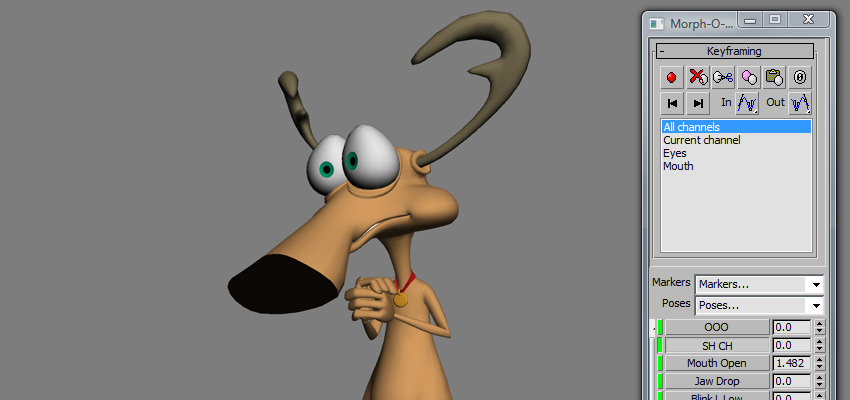
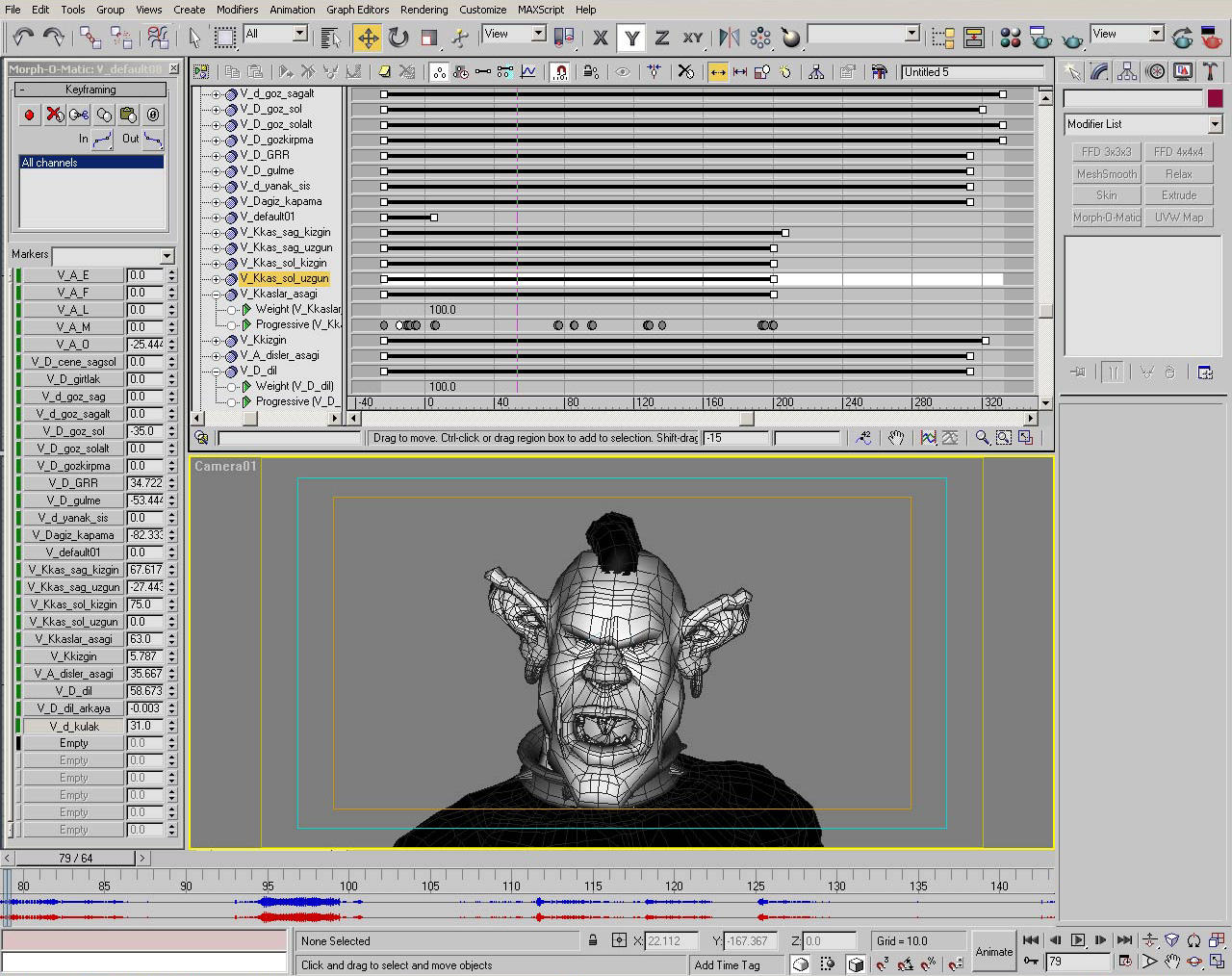
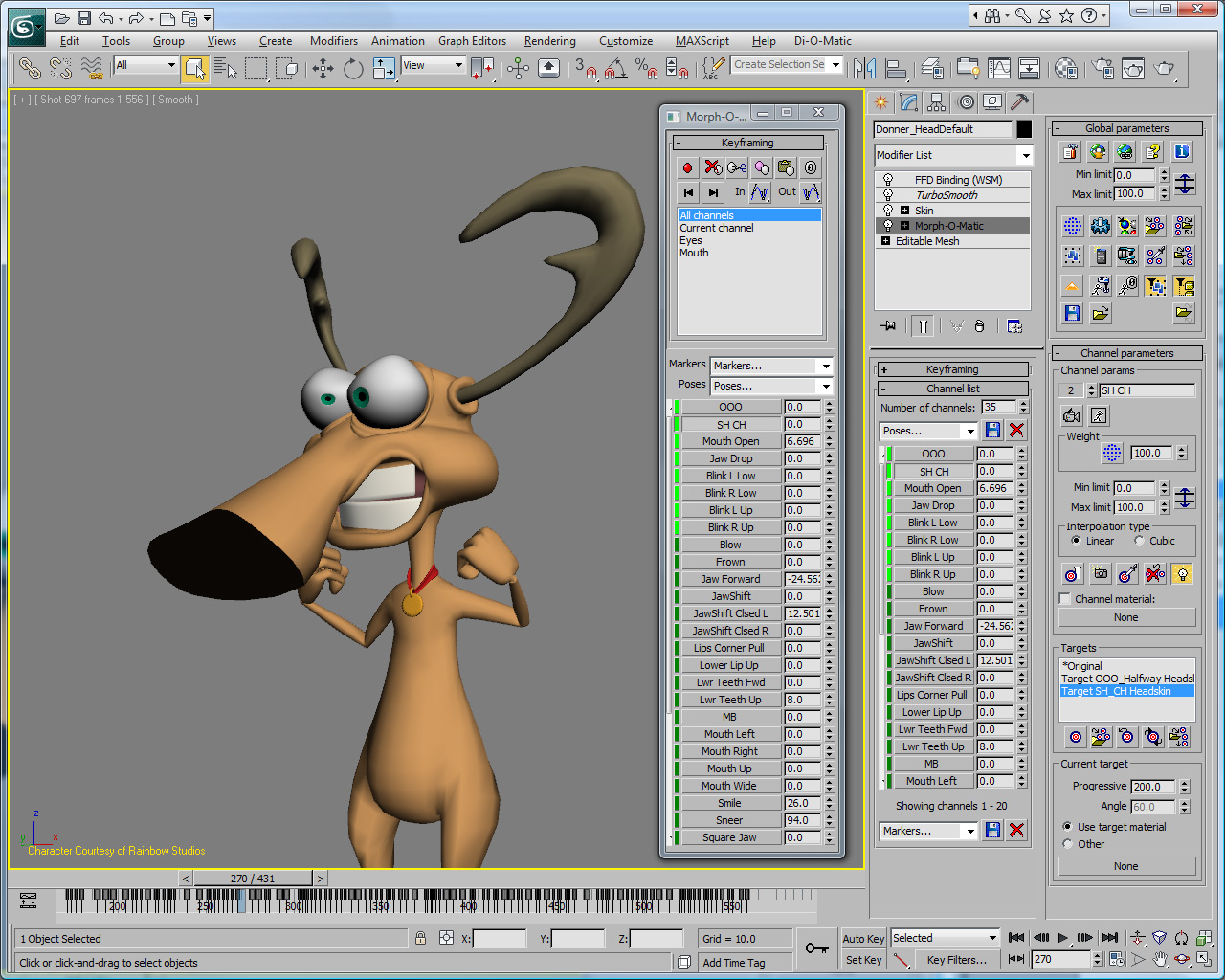
Morph-O-Matic using powerful animator-oriented features like the unique keyframing floating window.
Upgrade your character’s morphing setup to Morph-O-Matic and feel the difference instantly. Get Morph‑O-Matic today and discover for yourself why so many well known CG characters rely on this plug-in for 3ds max.
The key benefit of using Morph-O-Matic is a huge
increase in productivity for both animators, and
character setup artists. I really recommend Morph-O-Matic
as THE tool for studio animating with morph targets
in 3ds max.
On the animation
side: the increase of speed, been able to play
facial animations in real time and having a floating
window for each character simultaneously allowing
you to animate a few characters at the same time
make live much easier. The new pose system saves a
lot of time in reusing poses too.
On the character setup side: it’s like having all
the small options you always wanted to have in
morpher, the ability to keep the targets in the
modifier, the negative target, independent limits for
each morph. These features really speed up the workflow and allow you to focus
on creating
better rigs.
The small
functions of loading and saving whole Morph-Animations in Morph-O-Matic was a
true life-saver; I was able to animate
characters and bodies in complex scenes
separately from their speech and facial
animations. With one mouse-click one
could get the face animation done in the
other scene. Morph-O-Matic fills all holes you
need for Morph-Animations. Best
recommendation.
Igor Posavec
3d-io.com
With Morph-O-Matic,
you get everything you need to create high quality morphing animation in 3ds max, this includes :
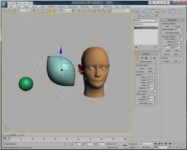
- Unlimited number of channels, why being limited to 100 targets...when complex characters may need more.
- Cut/Copy/Paste on selected channels,if you like a pose at a precise frames, why not re-use it ?
- Save/Load geometry of targets, this way you don't have to carry all the targets in the scene !
- Display Filtering, easily choose the channels and keyframes you want to see in the trackbar and in the modifier panel.
- Static and Dynamic Poses, save any combination of morph channels and re-use it as if it was a morph target but maintain the connection to the initial channels
- Use the stack result as a target, whenever you want to create a morph target, just apply an Edit Modifier and that's it...you don't have to create countless copies of the object in the scene
- Cubic Spline Interpolation on Progressive channels,no more linear interpolation between multiples targets of the same channels!
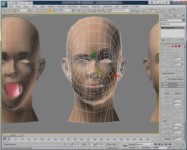
- View-dependant morphing, unlike traditional animation, 3d characters are always draw perfectly in perspective within 3d space, well not anymore, cheat deformations based on the angle of any cameras !
- Extract all deleted targets and re-bind them,if you have delete some targets, and you want to modify those, this will allows you to keep the animation, and will turn back the
auto-reload on, this way you can modify the targets and keep your animations, even if the targets were deleted !
- Soft-Selection support, restricts morph calculations to only those vertices currently selected in each target.
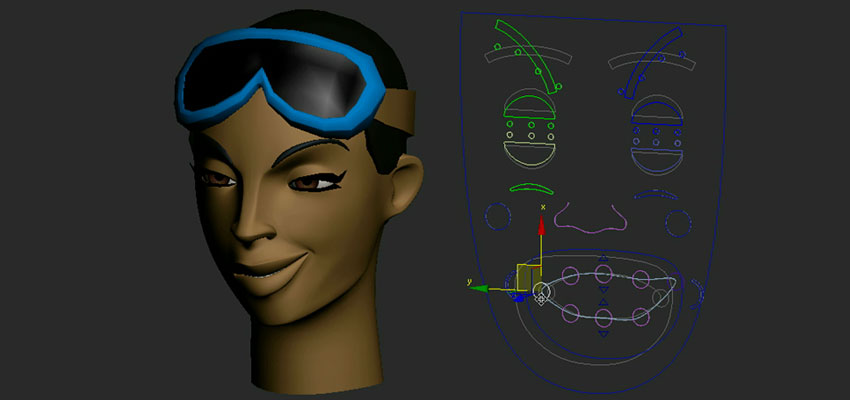
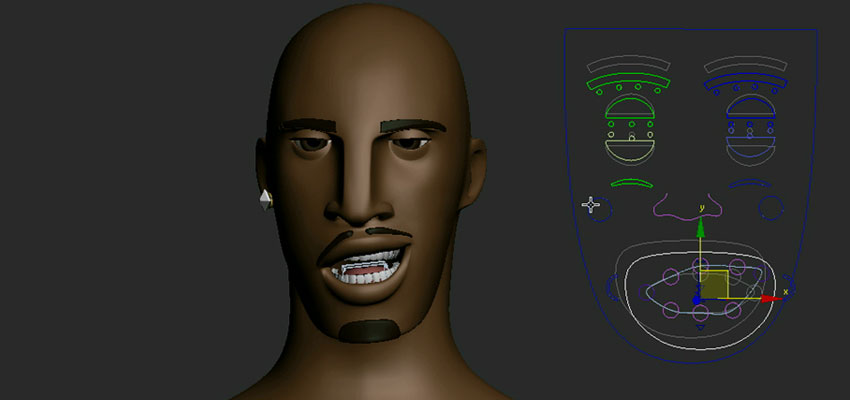
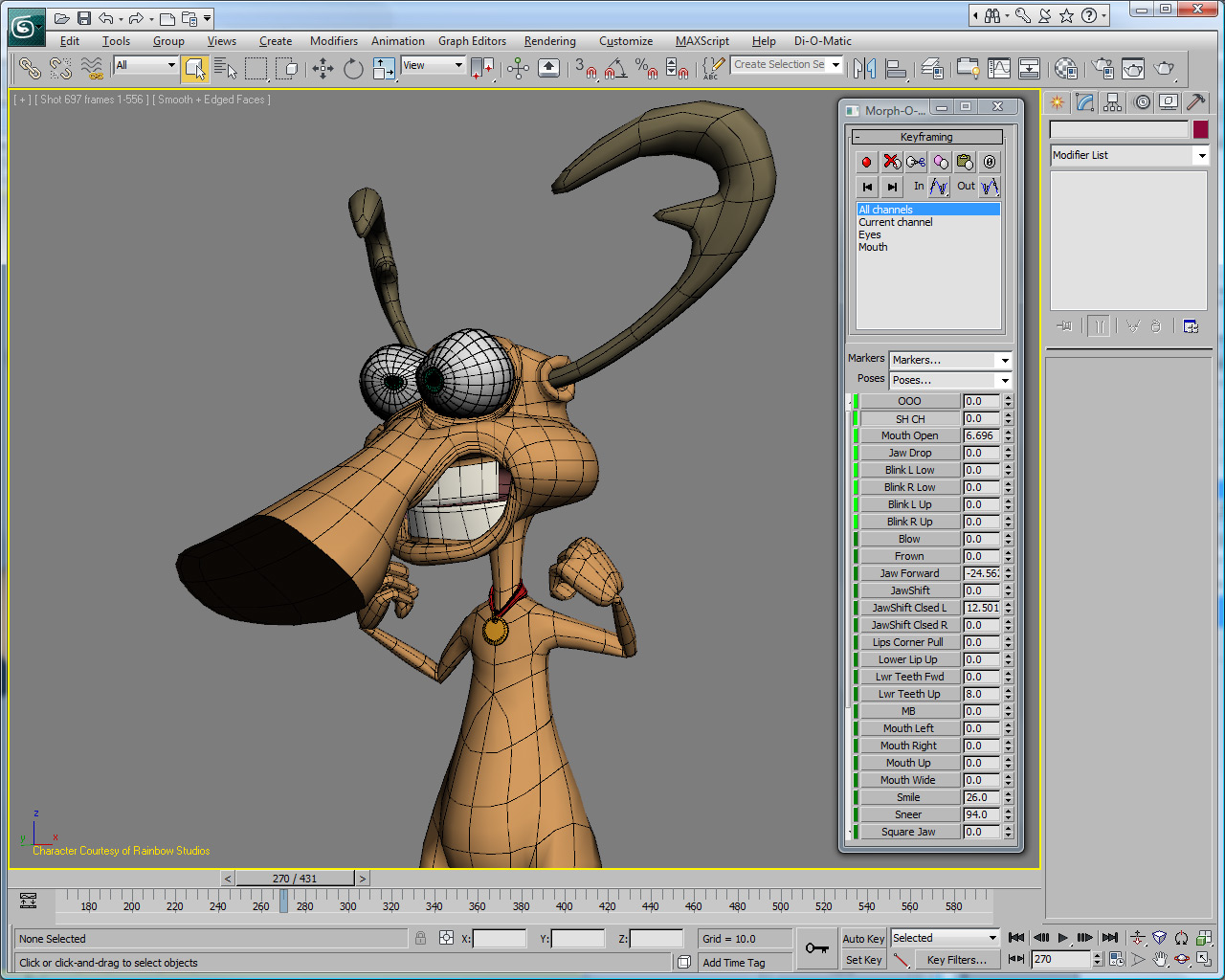
- Display Floater, for animators who don't like the command panel, a cool way to animate and it works with multiple character at the same time !
- Easy Accurate Material Morphing, you can do material morphing based on channels or even on a per target basis for complex progressive morphing cases.
- MOM file format, allows integration into existing pipelines, Morph-O-Matic data can be easily exported out to game engines.
- MAXScript support
- Float Licensing, so you can share license(s) across your network.
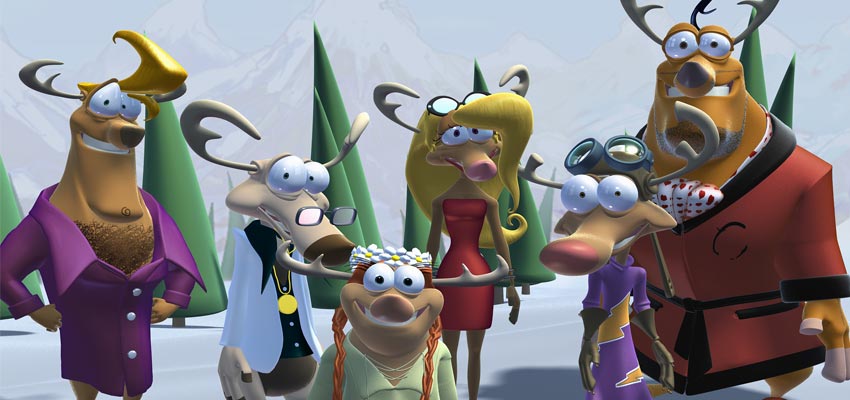
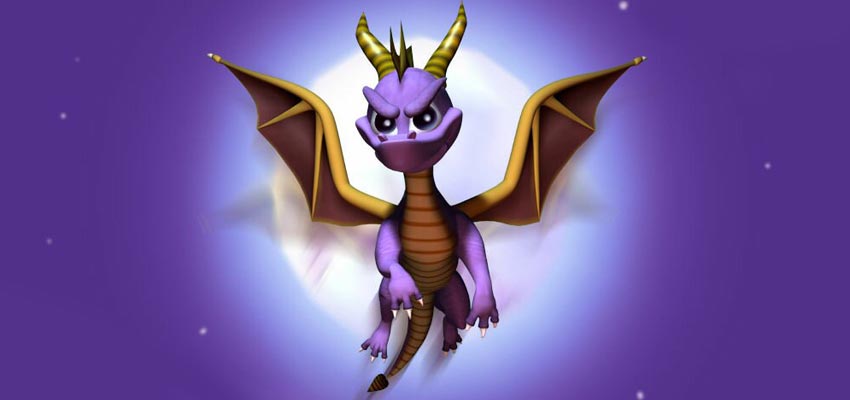
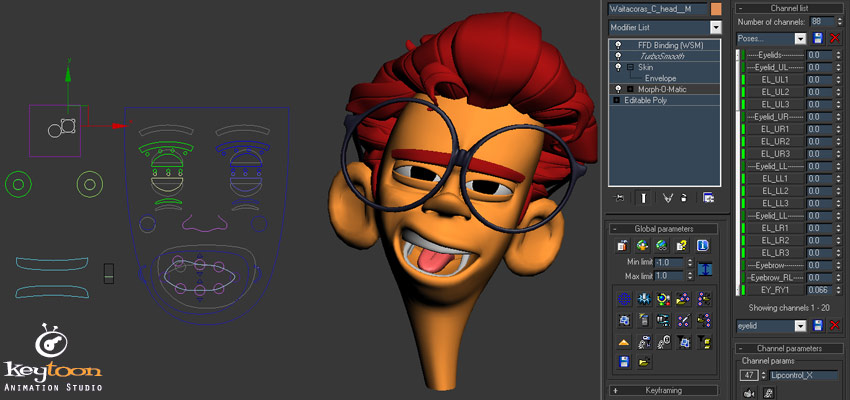
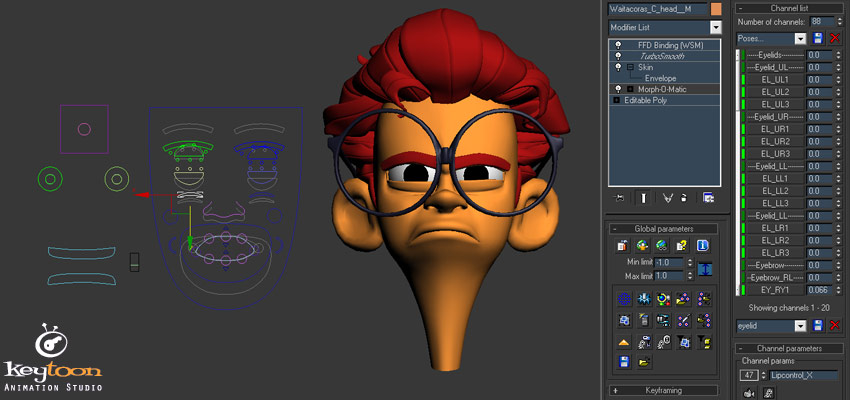
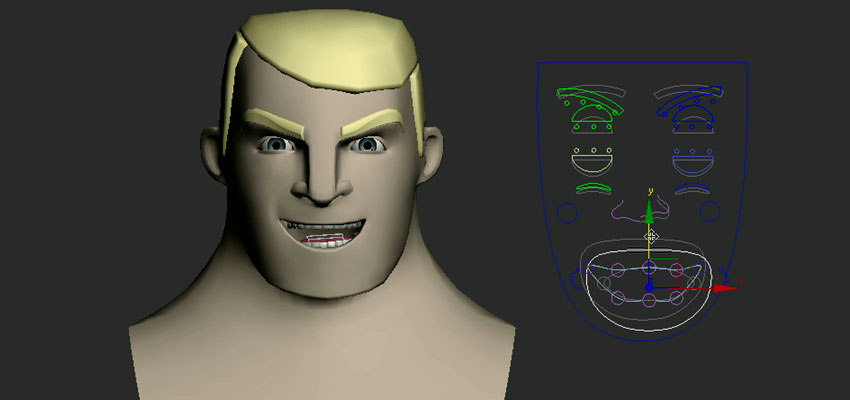
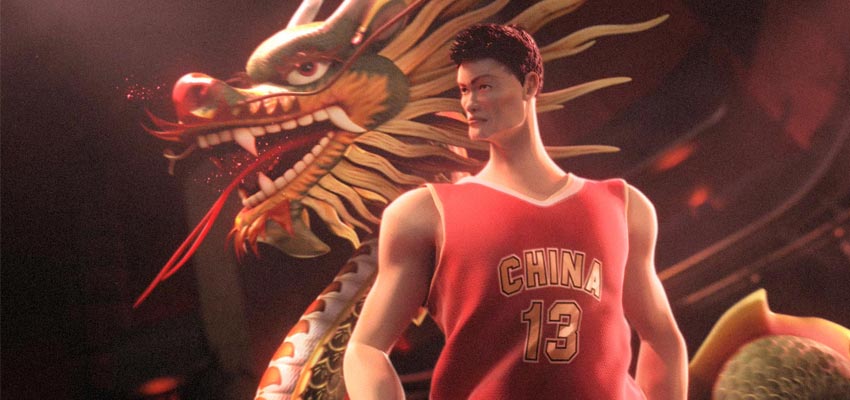
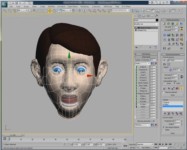
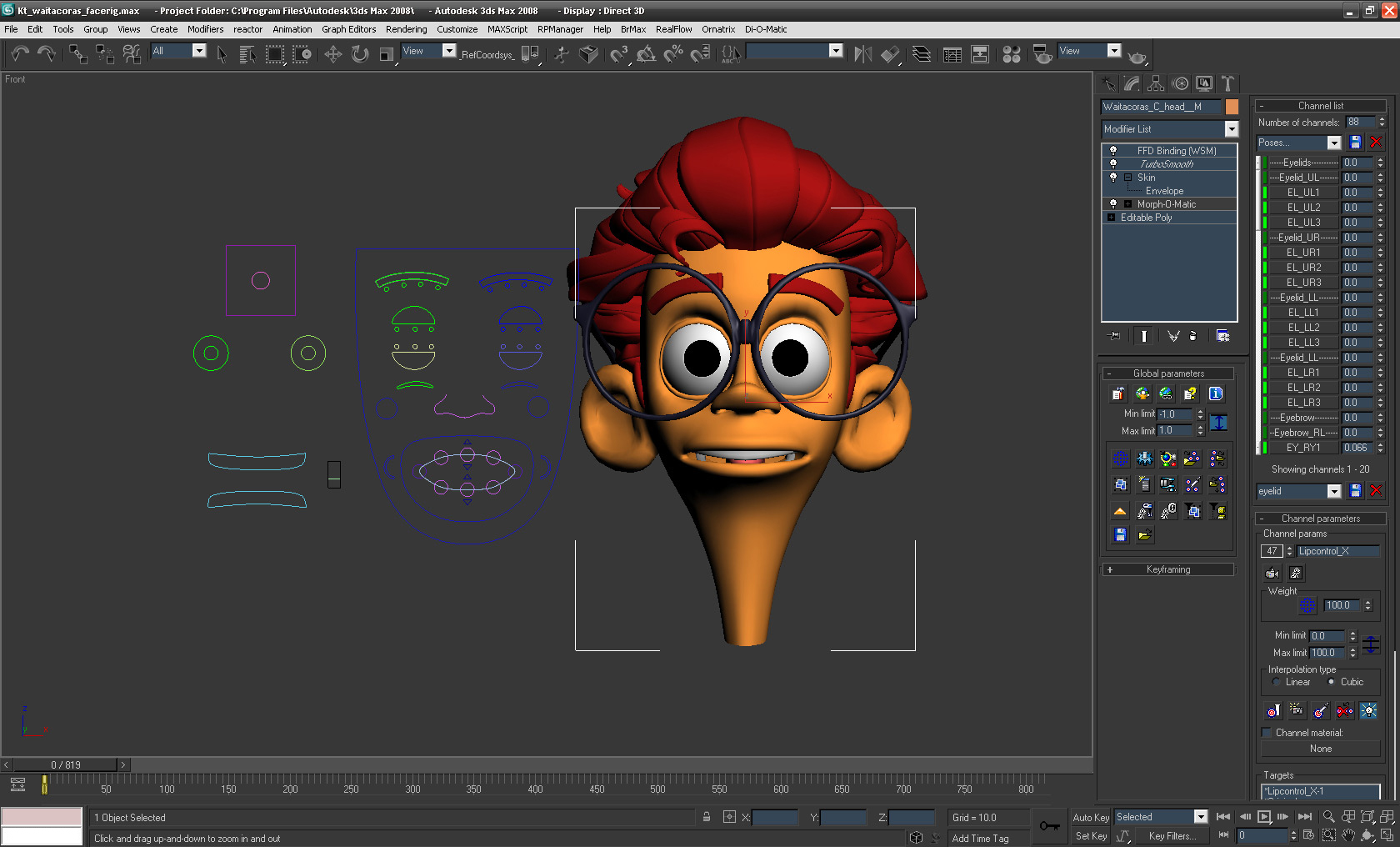
Courtesy & Copyright (c) Cemre Ozkurt
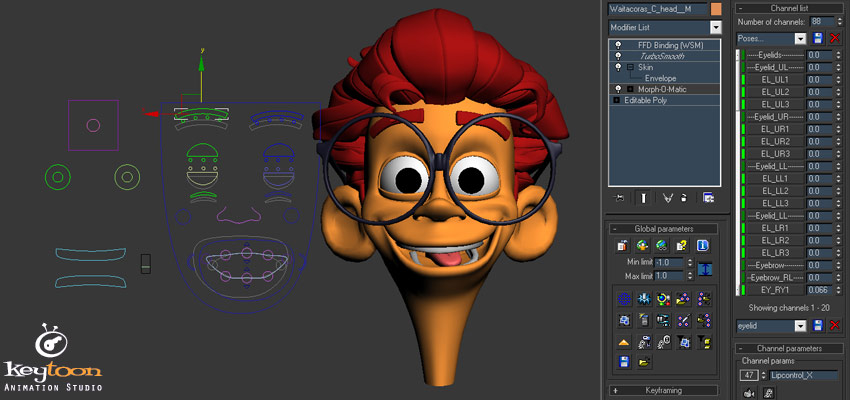
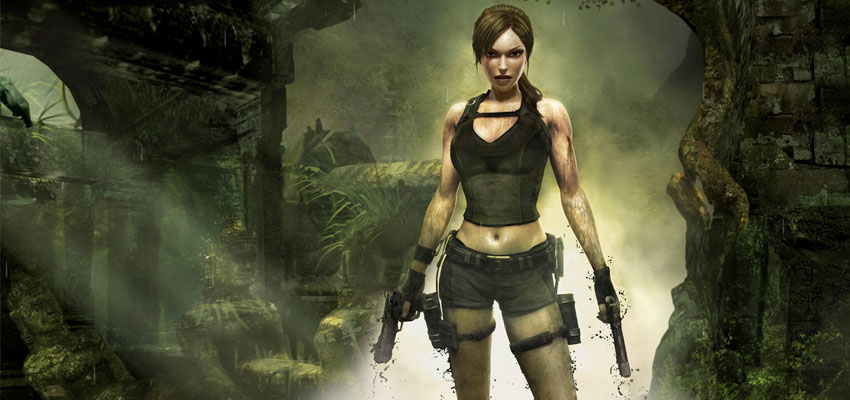
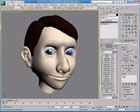
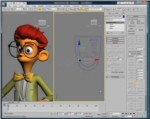
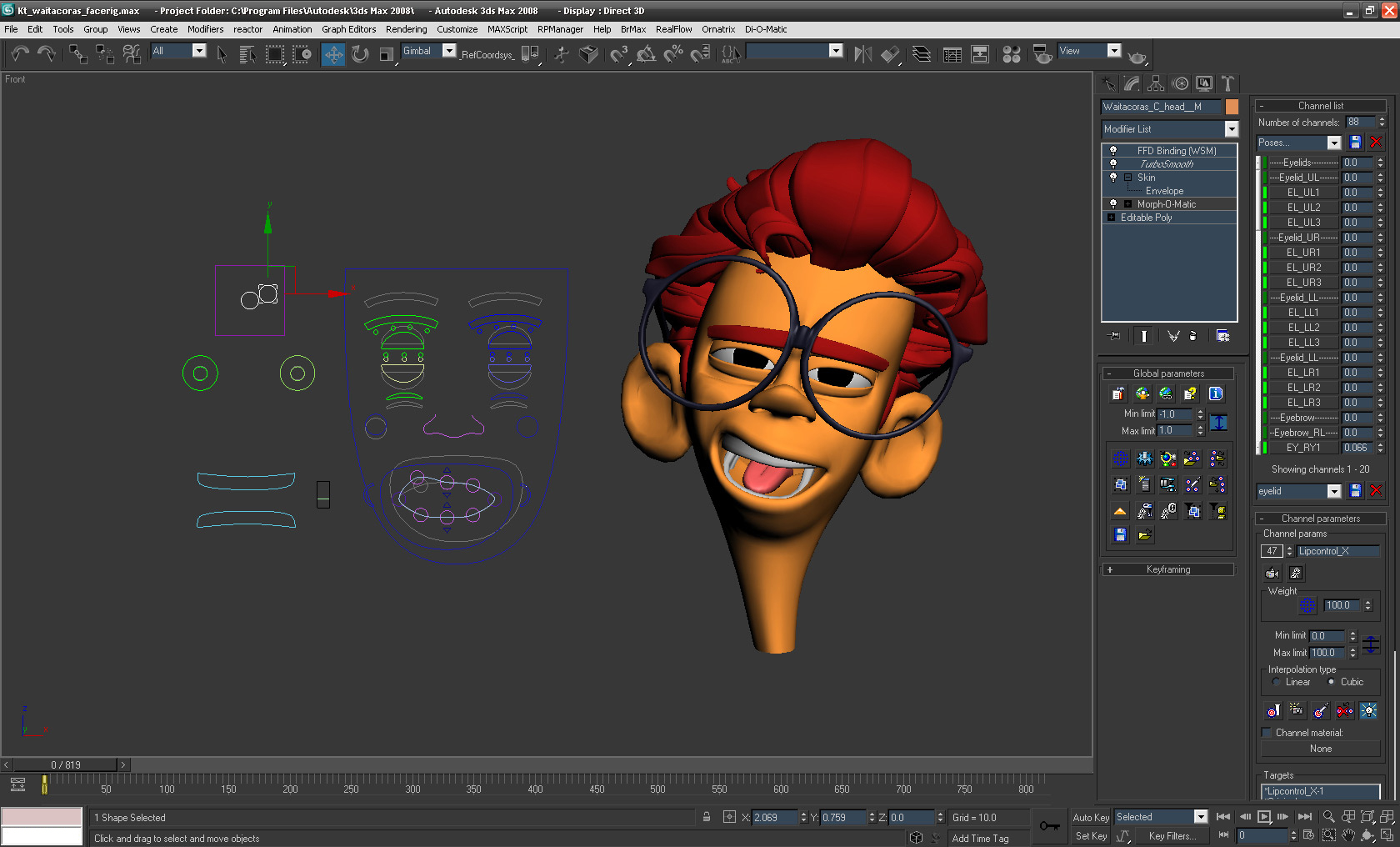
Courtesy & Copyright (c) Keytoon
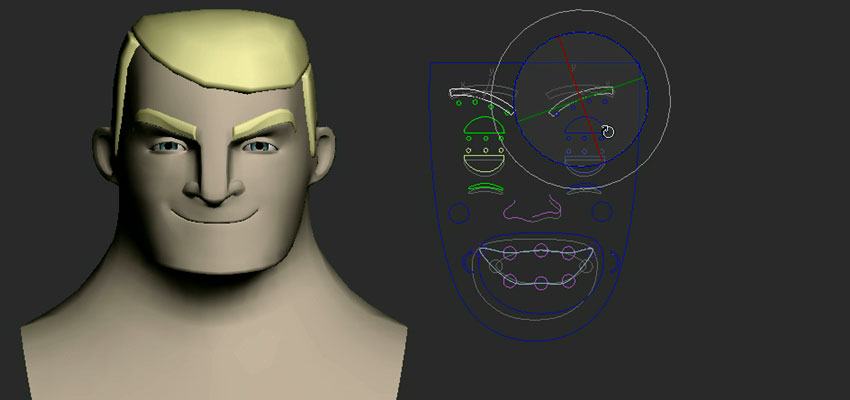
Courtesy & Copyright (c) Keytoon
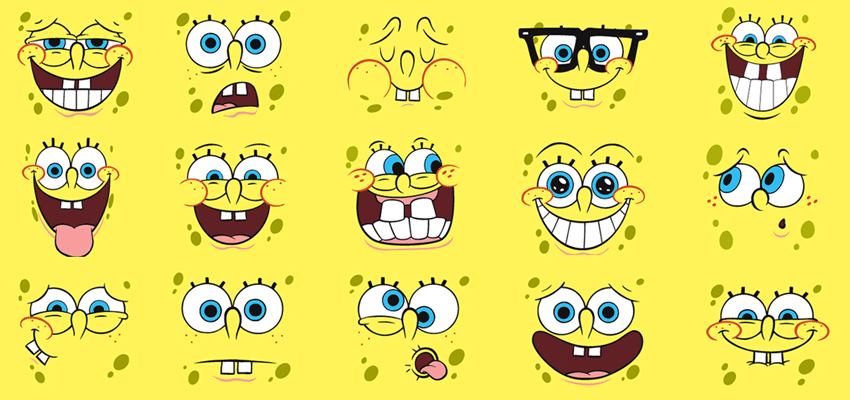
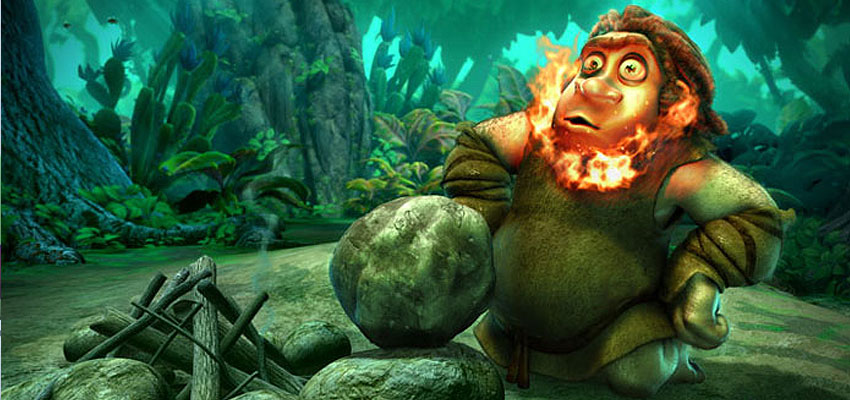
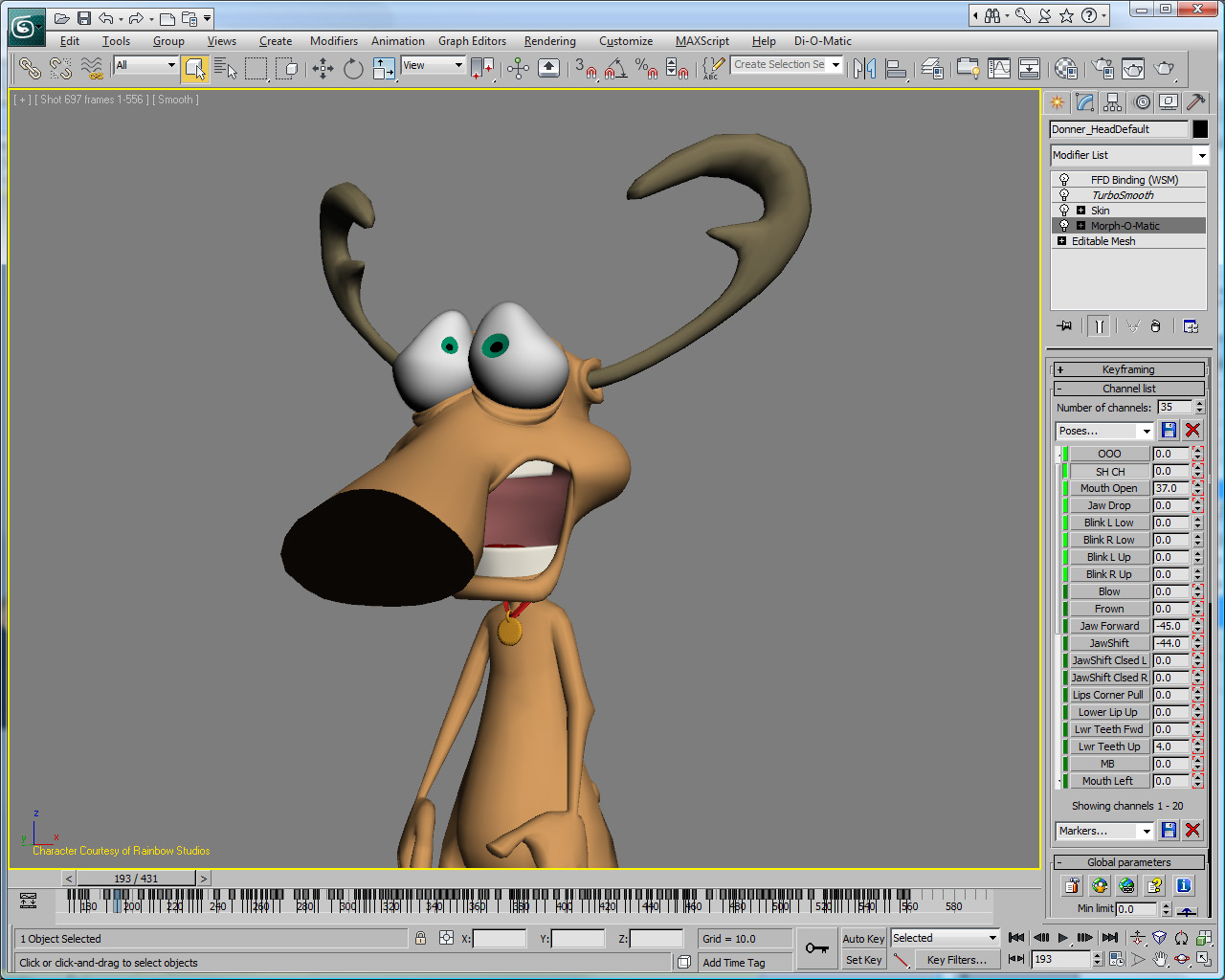
Courtesy & Copyright (c) TV Loonland AG
Courtesy & Copyright (c) TV Loonland AG
Courtesy & Copyright (c) TV Loonland AG
Pay by credit card and download your product immediately
after you buy.
All Di-O-Matic products
include 12 months complimentary Premium support package as well as floating
license.
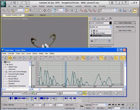
To help you identify the key features Morph-O-Maticis bringing to 3ds Max, here is a comparison chart
between 3ds max's Morpher and Morph-O-Matic as well as a video showcasing the benefits directly within 3ds max:
I stopped messing around with half baked
morph plug-ins the day I got my paws on
Morph-O-Matic. Finally a plug-in that got it
right. Everything you need when you need it. So
you can stop moaning now kids - M.O.M is
cooking all your morphs now!
I stopped messing around with half baked
morph plug-ins the day I got my paws on
Morph-O-Matic. Finally a plug-in that got it
right. Everything you need when you need it. So
you can stop moaning now kids - M.O.M is
cooking all your morphs now!
Ian Gregory, C.O.R.E. Digital Picture
The small functions of loading and saving whole
Morph-Animations in Morph-O-Matic was a true
life-saver; I was able to animate characters and
bodies in complex scenes separately from their
speech and facial animations. With one mouse-click
one could get the face animation done in the other
scene. MoM fills all holes you need for
Morph-Animations. Best recommendation.
Igor
Posavec, from 3d-io.com
Morph-O-Matic allowed us to push our facial
pipeline to a whole new level. It gave us the
ability to overcome the unique challenges that
emerged in translating Disney’s classic characters
into the world of 3D animation where they had never
existed before,
Sze Chan
Blur Studio
At Blur, we use Morph-O-Matic as the
morphing tool on all our 3DS Max based character
rigs.Morph-O-Matic is simple and
flexible enough so we can combine it with custom rig
solutions very easily.
Leo Santos
Blur Studio
The key benefit of using Morph-O-Matic is a huge
increase in productivity for both animators, and
character setup artists. I really recommend Morph-O-Matic
as THE tool for studio animating with morph targets
in 3ds max.
On the animation
side: the increase of speed, been able to play
facial animations in real time and having a floating
window for each character simultaneously allowing
you to animate a few characters at the same time
make live much easier. The new pose system saves a
lot of time in reusing poses too.
On the character setup side: it’s like having all
the small options you always wanted to have in
morpher, the ability to keep the targets in the
modifier, the negative target, independent limits
for each morph. These features really speed up the
all workflow and allow you to focus in creating
better rigs.
Luis San Juan
Nexus Production
Don't miss any future update, be automatically notified when a new version is released by subscribing to the Morph-O-Matic RSS feed
Only registered users of Morph-O-Matic
currently subscribed to one of the yearly support packages (Premium,
Premium+,
VIP)
are eligible to receive the latest version listed below.
Please contact us to receive it.
Version 2.8 07/10/2014
* Added compatibility with 3ds max 2015 (64-bit)
* Saved .max file could fail to load channel info: fixed
Version 2.7 04/18/2013
* Added compatibility with 3ds max 2014 (64-bit)
* Hold License is now On by default
* Saving Groups could fail: fixed
Version 2.6 08/14/2012
* Channel List highlighted color issue: fixed
* Extract to Scene could fail: fixed
Version 2.5 05/22/2012
* Added compatibility with 3ds max 2013 (32-bit and 64-bit)
* Number of channels: now default to 18
Version 2.4 05/04/2011
* Added compatibility with 3ds max 2012 (32-bit and 64-bit)
* New Game Engine Integration Scripting API
* Objects' copy did not preserve channel groups: fixed
* Next and Previous Key buttons did not support keyframes filtering: fixed
Version 2.3 04/16/2010
* Added compatibility with 3ds max 2011 (32-bit and 64-bit)
* Improved stability and performance
* Markers list refresh issue: fixed
* Installation issue with 3ds max 2009: fixed
* Static poses presets were not saved in the .max scene file: fixed
* Auto-Load .mom file could fail if file did not exist: fixed
* Loading .mom file could fail: fixed
* Capture current state could fail: fixed
Version 2.2 05/27/2009
* Added compatibility with 3ds max 2010 (32-bit and 64-bit)
* New extraction options allowing targets to be easily extracted in rows or in columns
* New MAXScript command: MOM_HoldLicense()
* Several MAXScript commands only worked with integer values but should support float values: fixed
* Channel Target List did not always update correctly: fixed
Version 2.1 12/18/2008
* Fix Compound Object support
* Add ability to auto-load .mom file on file open
* Whenever being manipulated via scripting, a license is necessary
Simply click on the "Hold License" button before scripting or wiring
Version 2.0 05/12/2008
* Fully compatible (32-bit and 64-bit) with 3ds max 9, 3ds max 2008 and 3ds max 2009
* Faster morphing calculation speed
* Enhanced user interface
* Display 20 morph channels at all time
* Static poses preset
* Dynamic Weight-able pose channels
* License can be hold per session, allowing faster access to the user interface
* Ability to use modifier stack result as morph target
* Navigate to Next & Previous keyframe from keyframing rollout and display floater
* Filter Tracks: ability to filter and display only tracks of selected MOM group in the trackbar
* Filter Channels: ability to filter and display only channels of selected MOM group
* Auto Reload Target performance bug : fixed
* Auto Reload Target not supported in preview, rendering and point cache : fixed
* Auto Reload Target per channel
* .mom file: ability to automatically recreate channels when loading .mom file
* .mom file: ability do not delete keys on load
* .mom file: ability to Load and Save binding file
* .mom file: support for instanced tracks
* Additional MaxScript commands
* Discontinued support for 3ds max 4 and 3ds max 5
Note that Morph-O-Matic v1.x is not available for 3ds max 2009 and higher, only v2.x is compatible. Are you still using Morph-O-Matic v1.x ? Upgrade to v2 by subscribing to the Premium+ or VIP support package.
Version 1.5 10/22/2003
* New Float Licensing protection scheme
* New spinner to facilitate navigation between channels added in the Channel parameters rollout
* Bug of automatically setting Weight values to 0.0 when loading a .mom file fixed
* Flat Tangent type added in the Keyframing rollout for users with 3ds max 5 and higher
* Improved Extract to scene functionallity
* The MOMMaterial now fully supports displacement morphing
* Undo added for the Create MOMMaterial button
* Support 3ds max 6 to 3ds max 8
Version 1.15 02/28/2003
* Objects with the Morph-O-Matic modifier applied now support to be used within Compound Objects, like Boolean or Attach-O-Matic.
* Tracks in Morph Channels automatically have now the default float controller applied, this is particularly useful when using MaxScript, as you don't need to first create a key to be able to access Morph-O-Matic tracks.
* Files made with previous version of Morph-O-Matic needs to be re-saved to update Morph-O-Matic internal informations.
Version 1.1 07/08/2002
* Auto Load Targets now supports animated objects as morph targets, this can also be used to edit a morph target and check the mixed result while editing the target.
* In the group list of the keyframing rollout, a Current channel entry has been added to just apply keyframe on the selected channel.
* The Camera list rollout now only appears when you have a view-dependant morph channel selected.
* When using the Display floater, you can now minimize it.
* The Morph-O-Matic logo has been added in the MoMMaterial.
* Display bug of the pivot sub-object has been fixed

 SHOPPING
CART
SHOPPING
CART



























 2000- Di-O-Matic, Inc. All Rights Reserved.
