Genseisha rely on Voice-O-Matic for their Leaders Of The World series

Genseisha rely on Voice-O-Matic for their Leaders Of The World series

Genseisha rely on Voice-O-Matic for their Leaders Of The World series

Genseisha rely on Voice-O-Matic for their Leaders Of The World series

Genseisha rely on Voice-O-Matic for their Leaders Of The World series

Genseisha rely on Voice-O-Matic for their Leaders Of The World series

Genseisha rely on Voice-O-Matic for their Leaders Of The World series

Genseisha rely on Voice-O-Matic for their Leaders Of The World series

 Di-O-Matic.com > Products > 3ds max Plugins > Facial Studio

 
  1. Overview
  2. Features
  3. Compare
  4. FAQ
  5. Training
  6. Reviews
  7. Update
   

 Price : $699 USD


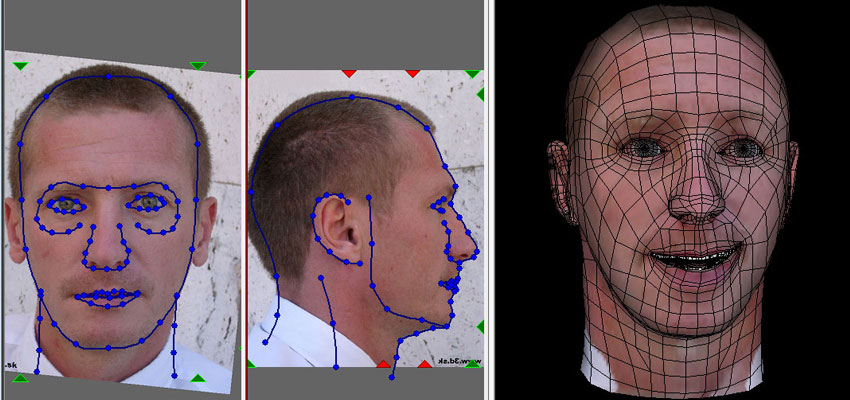
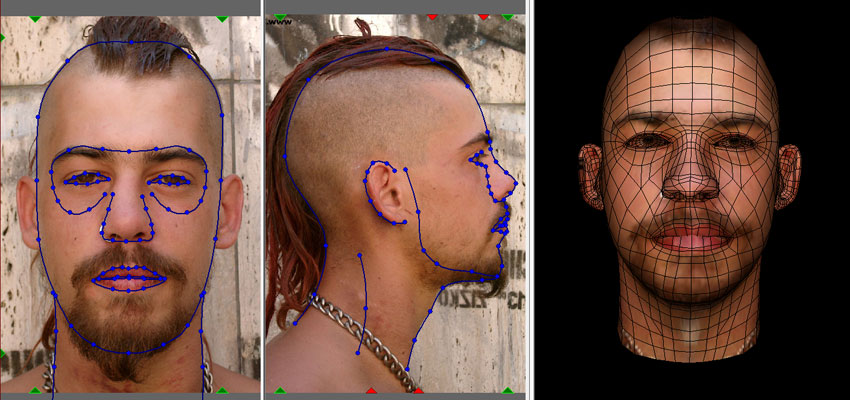
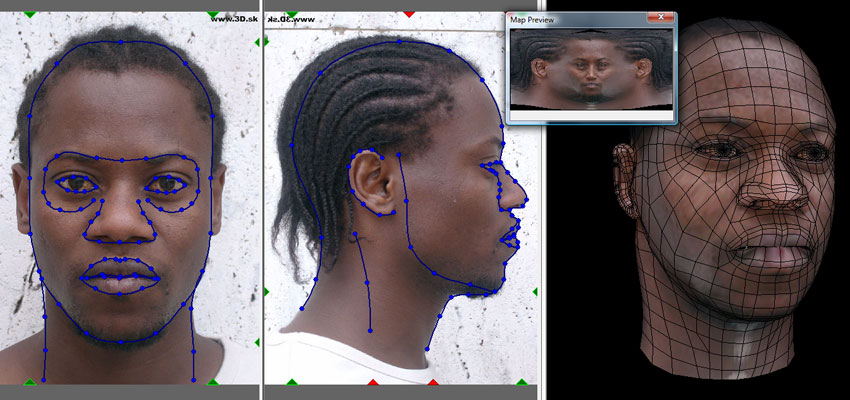
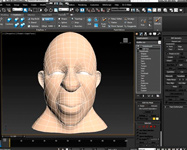
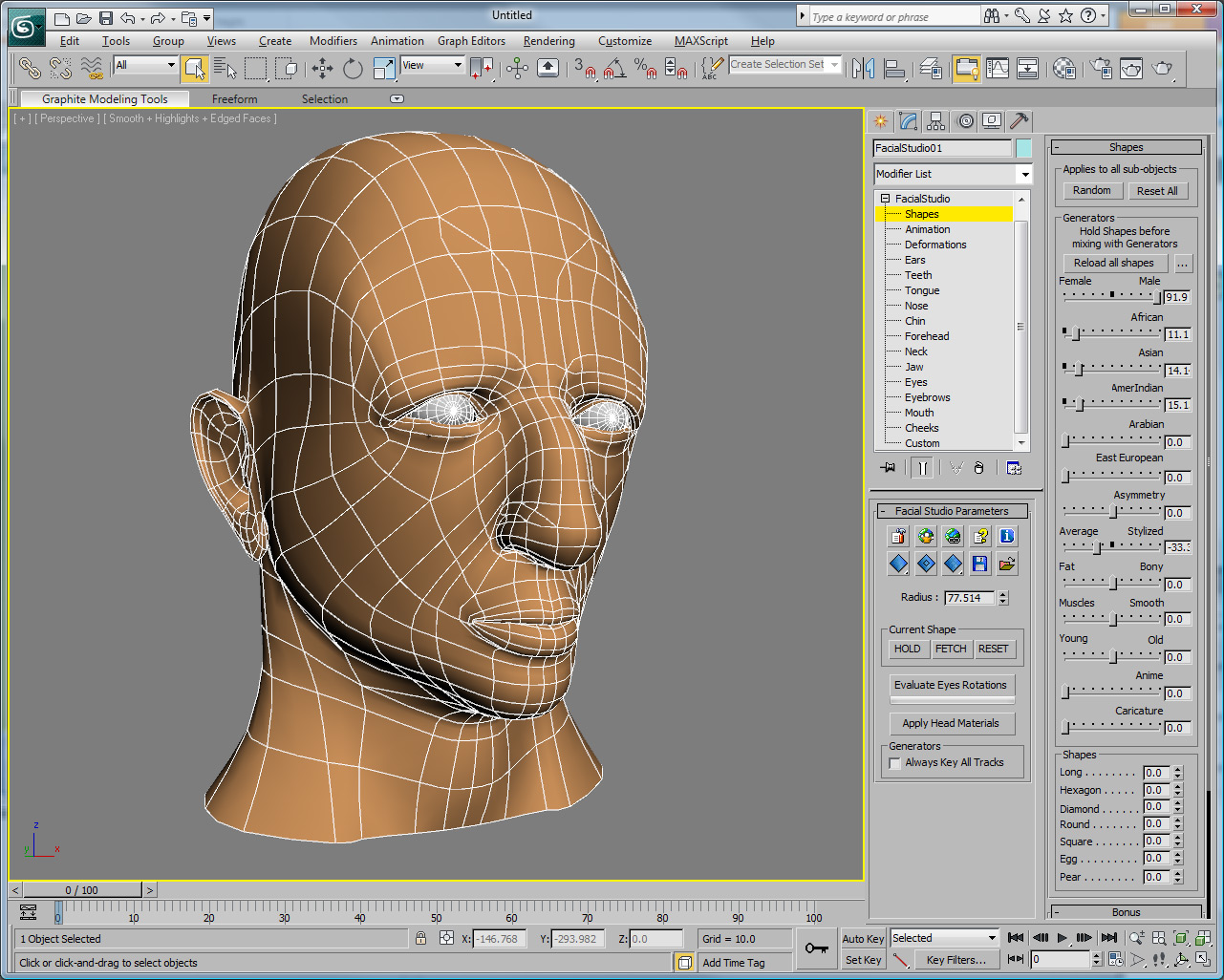
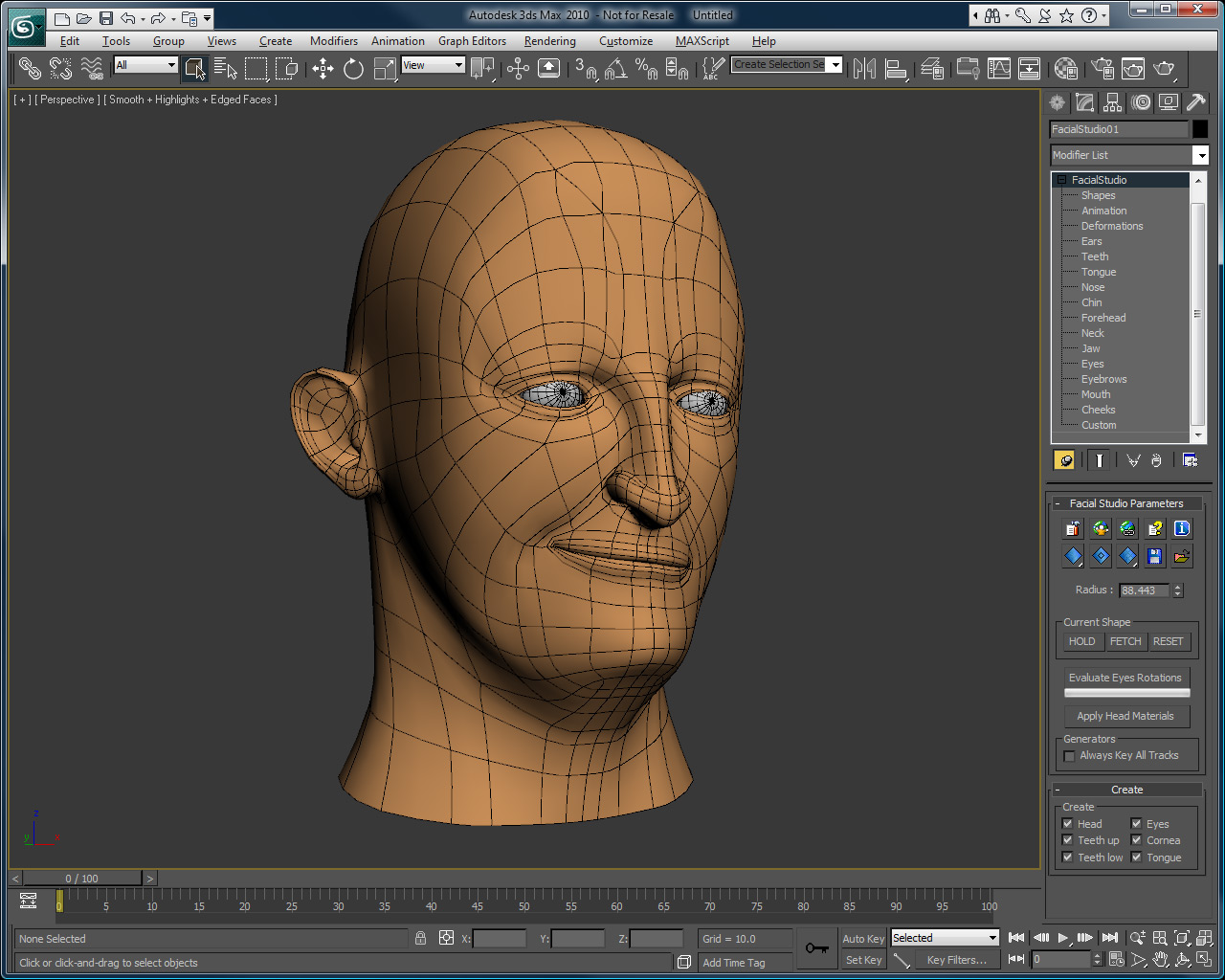
Need to create a realistic, caricatured or cartoon head in 3ds max ? Whatever the ethnicity or gender you are seeking to create, Facial Studio (3ds max edition) will greatly facilitate the once complex task of creating 3D heads.

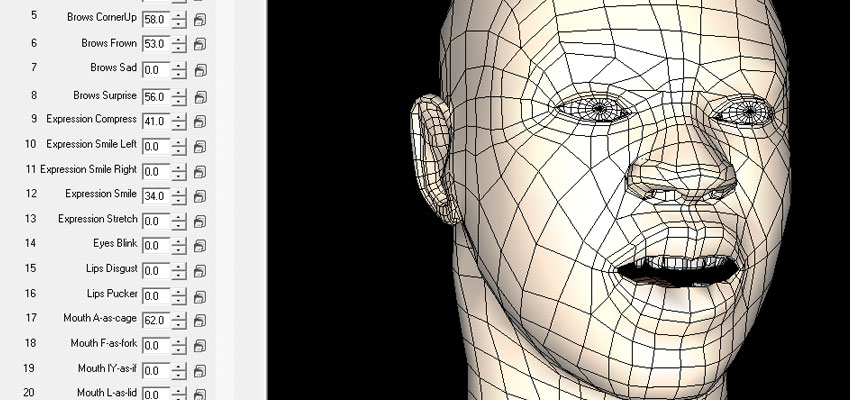
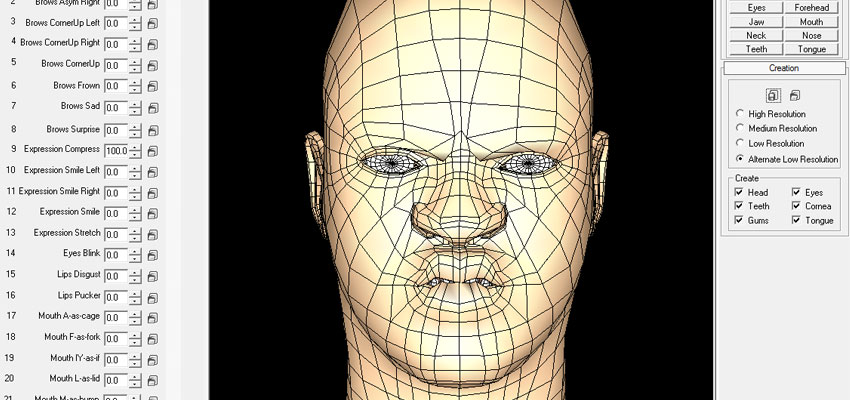
Facial Studio features more than 500 controls covering the entire 3D head creation process. Deform anything from eyes, nose and mouth to head shape, including teeth and tongue. Modify head symmetry, ethnicity and gender as you please.

Facial Studio is not just a modelling tool, rather a comprehensive suite of tools designed to help you achieve better facial animation in less time than ever before. From modelling to muscle-based deformations, including texture map libraries and much more, Facial Studio does it all with an intuitive interface that will have you creating amazing heads in only minutes.

Get Facial Studio today and begin creating the 3D heads you want without any fear of restriction at some point in the process.

“I've worked with 3D face animation for over 20 years, created the first fully 3D music video using synthetic faces for Kraftwerk and taught the first course solely on facial animation at Stanford University. I'm still around facial animation everyday but when I go home to do MY work I always turn to Facial Studio - it's fast, flexible and gives me professional results.”


Steve DiPaola

Facial Studio features list includes :

Low, Medium and High Resolution, all optimized to be used with NurMS Sub-divisions.

Use your own mesh, use the SkinWrap modifier to deform your head model using Facial Studio deformations. Create facial deformations for your character has never been easier.

Head Deformers, controls the : nose, nostrils, mouth, eyes, ears, cheeks, chin, neck, eyebrows, teeth, tongue, eyeballs,...

Head Generators, controls over the gender, the race, the age, the ethny,...

Customizable Generators, the generators are all based on MaxScript files, this give you a total freedom to tweak every aspect of the generators

Sub-Surface Scattering Shader, because skin does not react like Phong or Blinn.

Perfect UVW Mapping Coordinates, designed to allow maps to be created easily and without stretching.

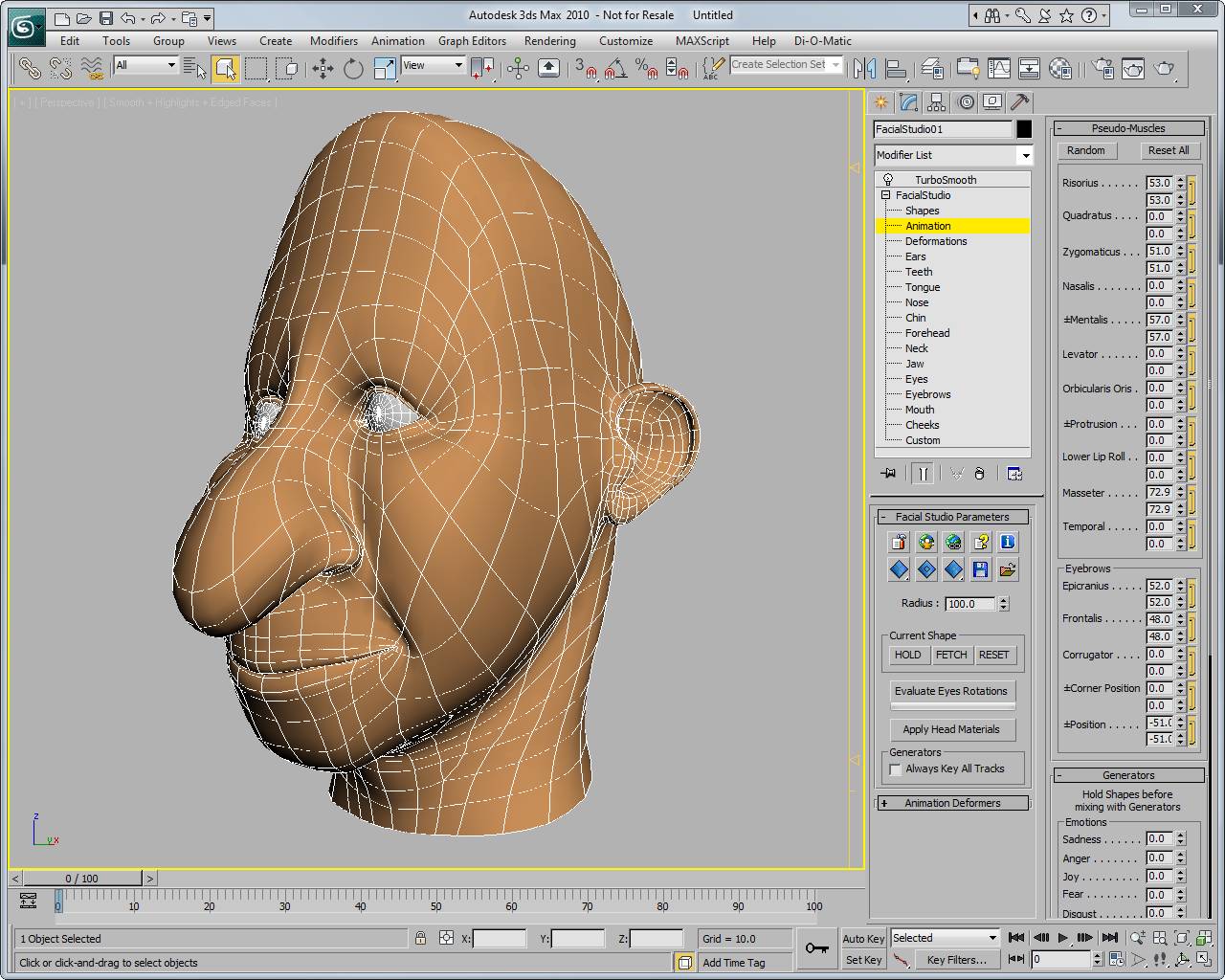
Amazing Muscles Deformations, next-generation deformer to controls muscles-based animation.

Full Range of expressions and phonemes, controls complex muscles combination on any heads created inside of Facial Studio with simple sliders.

Support custom morph targets, if you miss any deformation in Facial Studio, you can even add your own as morph targets.

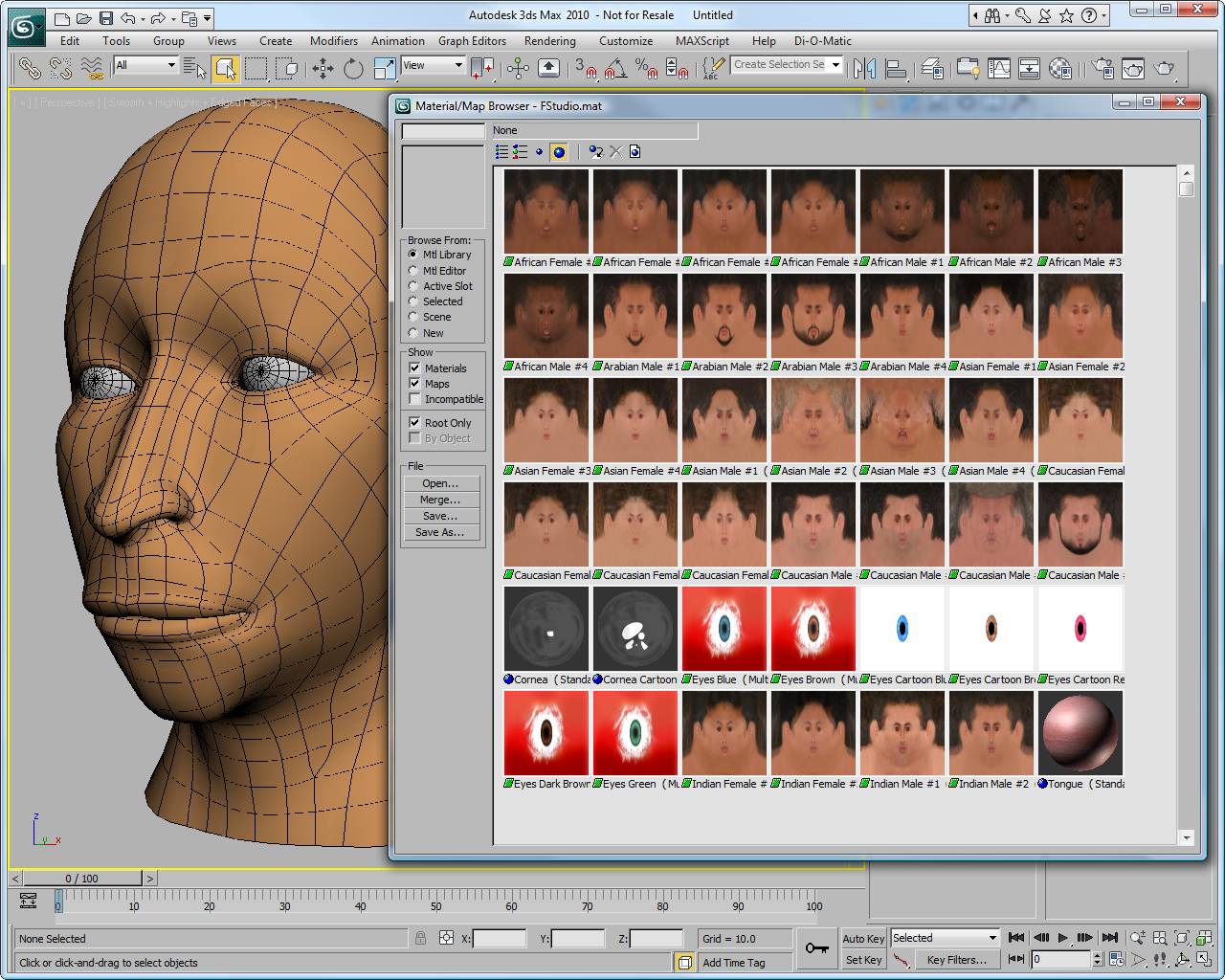
Very powerful compositor TexMap, a compositor Texture Map, that does blending and mixing as well complex layered based operations like Multiply, Darken, Lighten, etc...

Comes with a complete library of maps, that includes more than 50 maps.

Every Parameters are animatable, since heads are just primitives you can animate just about everything.

Complete MaxScript support, even our file format is MaxScript-based, so you can tweak the file you created as you wish.

Float Licensing, so you can share license(s) across your network.

As a bonus we have even include some Animal deformer, so you can make heads looks like Ape-Man, Cat-Man, etc...

Discover below the key differences between our different releases of Facial Studio :

Feature


Facial Studio
(Windows Edition)


Facial Studio
(3ds max Edition)
 
Modeling
  Multiple level of details (Low, Medium, High)
  Use your own 3D model -    (1)
  500+ deformations
  PhotoMatching -
 
PhotoMatching
  Curves-based facial re-modeling -
  Automatic texture extraction -
  Basic color corrections -
  Photo Manipulation (rotation and scaling) -
  Real Time texture preview -
 
Animation
  Animation Support -
  Built-in pseudo-muscles deformation
  Export deformations to morph targets
Compatibility
  Export to .fbx -
  Autodesk 3ds max
  Autodesk Maya, Motionbuilder, Softimage XSI -
  Lightwave, Cinema4D, etc... -
Openness
  Ability to define custom presets
  Scripting support -
  Script based file format
Rendering
  Built-in rendering engine -
  Advanced material compositor
  Skin shader -
  Textures library
Licensing
  Floating License
 
  Pricing  699 $  699 $

(1) using 3ds max's SkinWrap; a detailed tutorial comes with Facial Studio (3ds max edition)

Cannot find the answer to your questions? Contact us and we will be glad to assist you

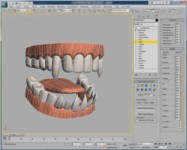
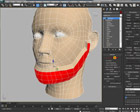
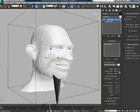
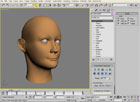
See the power of Facial Studio (3ds max edition), by watching the following demo-tutorials:
 

There is a lot more demos and tutorials on Facial Studio (3ds max edition) in the Interactive FREE Training.


Facial Studio
(3ds max Edition) v2

Facial Studio v1.5

Facial Studio
     

Facial Studio

Facial Studio
Hansel & Gretel
Hansel & Gretel
 
“I've worked with 3D face animation for over 20 years, created the first fully 3D music video using synthetic faces for Kraftwerk and taught the first course solely on facial animation at Stanford University. I'm still around facial animation everyday but when I go home to do MY work I always turn to Facial Studio - it's fast, flexible and gives me professional results.”


Steve DiPaola

Only registered users of Facial Studio currently subscribed to one of the yearly support packages ( Premium, Premium+, VIP) are eligible to receive the latest version listed below.

Please contact us to receive it. Note that Facial Studio v1.x is no longer available. Are you still using Facial Studio v1.x? Upgrade to v2 by subscribing to the Premium+ or VIP support package.


See what's new in v2


Don't miss any future update, be automatically notified when a new version is released by subscribing to the Facial Studio RSS feed

 Version 2.2  05/19/2010
 
* Added compatibility with 3ds max 2011 (32-bit and 64-bit)
* Additional alternate lower resolution head
* Improved Custom sub-object
* Animation support in Custom sub-object
* Ability to import directly file from Facial Studio (Windows Edition)
* Up/Down and Left/Right consistency in all sub-objects: fixed
* Hanrahan-Krueger shader could fail in 3ds max 2010: fixed
* FS Eyes modifier could fail: fixed

 
 Version 2.1  04/20/2009
 
* Added compatibility with 3ds max 2010 (32-bit and 64-bit)
* LOD not being restored properly when opening file issue: fixed
* Custom sub-objects radius issue: fixed
* Automatic Voice-O-Matic configuration issue: fixed

 
 Version 2.0  04/17/2008
 
* Fully compatible (32-bit and 64-bit) with 3ds max 9, 3ds max 2008 and 3ds max 2009
* Optimized creation rollout
* Improved shape and proportion for the default head
* Improved Shape generators preset: Gender, Race
* Improved UV coordinates of the Low Resolution head
* Improved Phonemes generators preset
* New additional Shape generators preset: Asymmetry, Blowing
* New additional jaw deformations : Y Rotation, Z Rotation
* Automatic Voice-O-Matic configuration
* LOD not being restored properly when opening saved file issue : fixed
* Discontinued support for 3ds max 4 and 3ds max 5

 
 Version 1.5  11/12/2003
 
* New Float Licensing protection scheme
* New Low-Resolution head added, and set as the new default head
* Improved UV coordinates for the Medium and High-Resolution heads
* New Browse for shapes folder button, allows you to load custom generator .dat files per head in your scene
* New Mouth closed Phonemes Track
* New Always Key All Tracks option for generators
* Voice-O-Matic integration
* Fix Werewolf teeth, Lower and Upper teeth weren't controlled separatly
* Fix Apply Head Material to always refresh correctly
* Support 3ds max 6 to 3ds max 8

 
 Version 1.01  04/04/2002
 
* Fix Build Lipsync process that was creating too many keyframes.
* Fix Eye Target to use appropriate time range
* Lip Sync tracks have now default controller, for easiest access with automated lipsync tool and MAXScript
* Fix crashing-bug when pressing the Load button in the Hanrahan-Krueger shader with no preset selected.

 
 Version 1.0  12/11/2001
 
* Initial release


Price : $699 USD   
Contact Us | Sales & Support: +1.514.369.2400 | Live Chat | News Blog | Twitter | Search | Authorization | Privacy Policy | RSS Feeds
 All materials copyrighted per their respective copyright holders.  This website Copyright 2000- Di-O-Matic, Inc. All Rights Reserved.